
The paper visitor logbook has been the default for a hundred years for one reason. It is easy to buy. Replacing it takes ten minutes of thinking, one afternoon of setup, and a two-week transition. Skip any of those and you get a stalled rollout and a bruised receptionist.
This is the exact seven-step plan I use with facility managers who want a clean migration.
Step 1. Audit what your current book actually captures
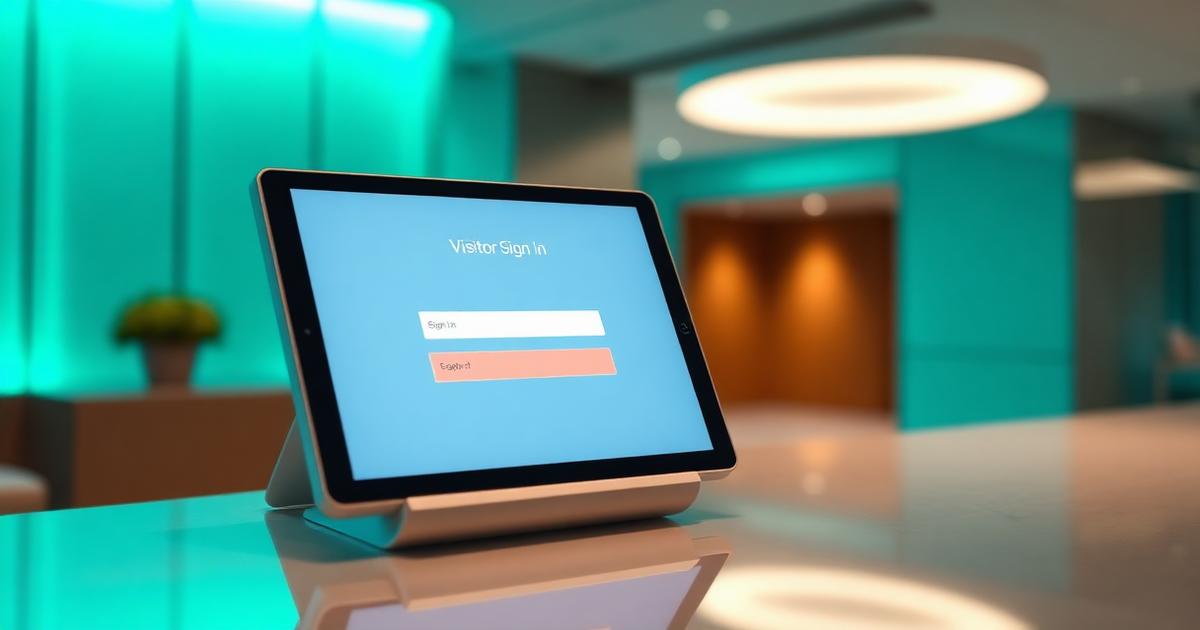
Open the last month of entries. Ignore the fields that are always blank. Note the ones that are always filled. That short list becomes your digital form. Do not recreate every column your printed book had. Most of them were there because it was easier to add a column than to think about it.
Step 2. Pick one gate to pilot
Do not try to switch every gate at once. Pick the busiest one so you get real volume in the pilot, or the quietest one so the guard has room to learn. Never pilot at the VIP entrance. Save that for last.
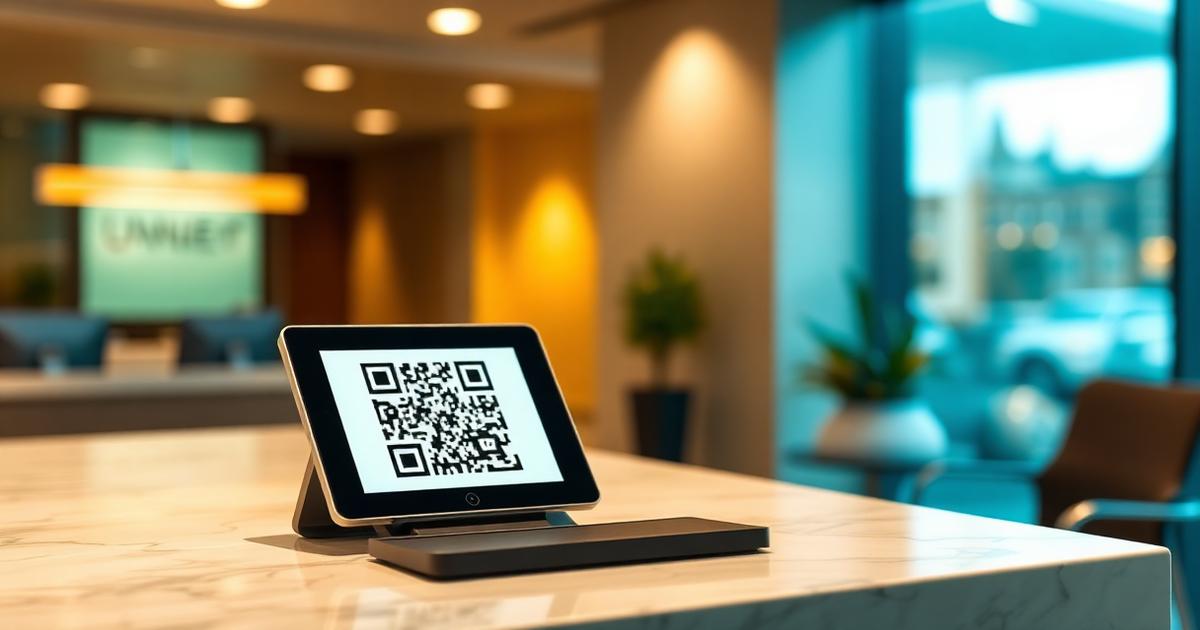
Step 3. Create your site and print the QR poster
A4 is enough. Include your logo, the words "Scan to check in", and nothing else. Laminate it. Stick it at eye level, not on the floor. Test the scan from three feet away in the actual lighting at that gate.
Step 4. Train the guard for fifteen minutes
This is the step most rollouts skip and later regret. Show the guard how to open the dashboard, how to check someone in on their behalf, how to approve, reject, and mark VIP. Leave a laminated one-pager on their desk.
Step 5. Run a soft launch with your own team
Have five colleagues walk in as visitors on day one. Watch what breaks. Fix the form fields, the poster placement, or the guard's phone battery habit before real visitors arrive.
Step 6. Go live with the paper book still on the desk
For two weeks, keep both. If the QR fails for any reason, the guard falls back to paper. This gives the receptionist confidence and gives you real usage data.
Step 7. Retire the paper book
End of week two, put the paper book in a locked drawer. Announce that digital is the only path now. Leave the drawer for a month as insurance, then archive it per your retention policy.
What to do with your old paper registers
Do not scan them into a shared drive. That is the fastest way to turn a low-risk paper artifact into a high-risk digital leak. Keep them locked for your retention window, then shred. If you must scan, redact phone numbers first.
The one metric that tells you the rollout worked
Look at check-in completion rate at the end of week two. Anything above 90 percent means the flow is working. Below 70 percent means something on the form or the guard's workflow is broken. Fix it before you expand to the next gate.
Common objections and honest answers
"Our visitors are older, they won't use a QR." True some will not. The guard checks them in on their phone. This handles it.
"The internet at the gate is bad." A QR system needs a few kilobytes per check-in. A single bar of 4G is enough. If your gate has no signal at all, use a system with offline queueing.
"The receptionist wants to keep the book." Ask why. It is usually about muscle memory, not the book itself. A two-week parallel run solves this.
Frequently asked questions
Building QR-based visitor management for offices, factories, hospitals, and residential communities since 2022.