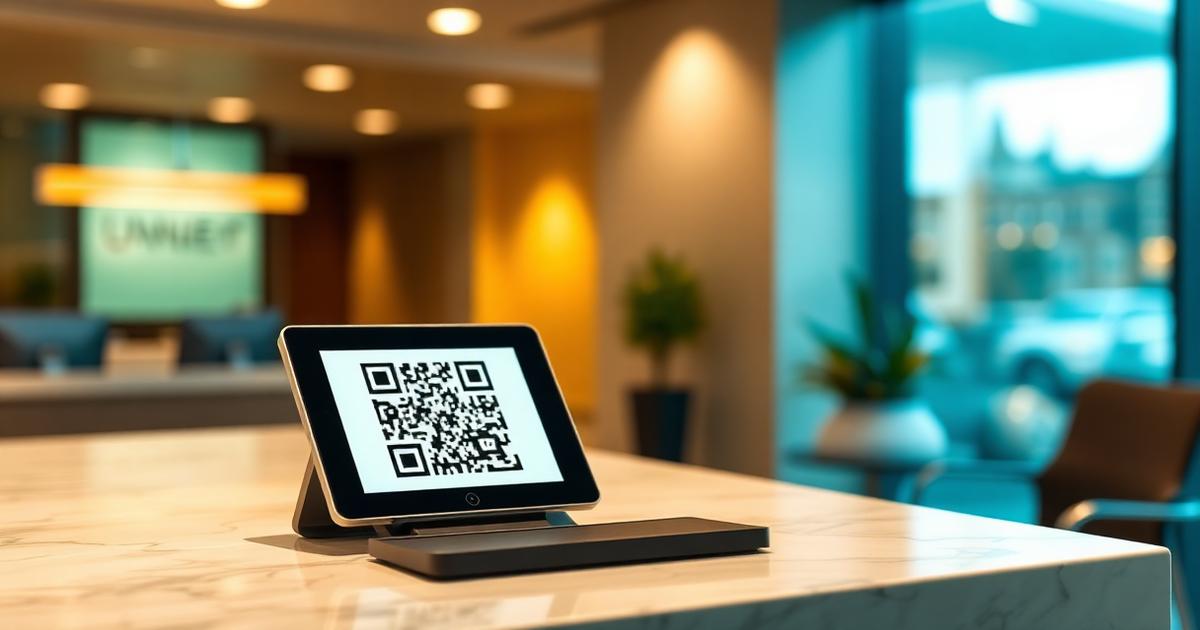
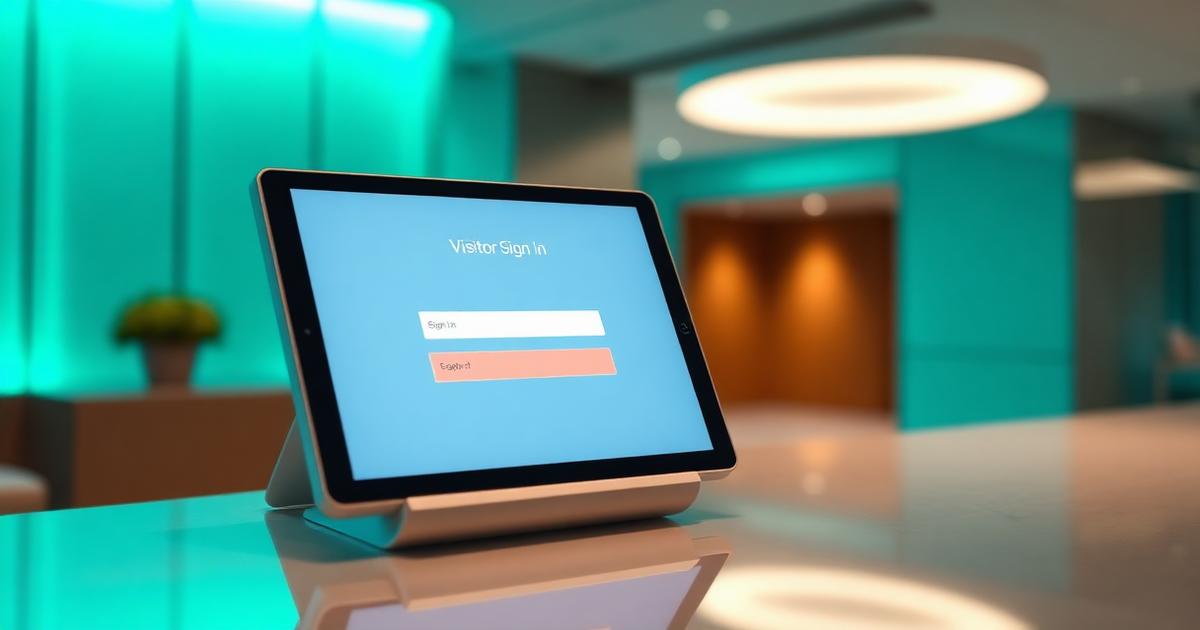
A digital visitor management system captures who came to your site, why, when they arrived, and when they left, then stores that information in a searchable, privacy-scoped database. It replaces the paper visitor register with something you can actually audit.
The category has quietly matured over the last five years. What used to be a bolted-down iPad at reception is now a QR poster and a guard phone. That shift changed the buyer profile too. Facility managers at small sites can now afford the same capabilities that used to be enterprise-only.
What a digital visitor management system does
Underneath the marketing pages, every serious system does the same six things.
- Captures identity, purpose, host, and entry time for each visit.
- Notifies the host that their visitor has arrived.
- Provides an approval workflow for higher-risk sites.
- Stores an optional photo or selfie for later matching.
- Produces exportable reports for security and audit teams.
- Enforces retention rules so old data does not pile up forever.
How it is different from a paper logbook
A paper book is a shared surface every visitor can read. It is unsearchable, untamperable in the wrong way, and impossible to redact once written. A digital system fixes all of those on day one.
Must-have features in 2026
- QR-first check-in with no app install.
- Per-site staff roles: guard, manager, admin.
- Selfie capture into a private bucket with signed URLs.
- Appointment scheduling with host approval.
- VIP pass or fast-track for repeat visitors.
- Data retention windows you can set per site.
- Real-time dashboard for the guard and multi-site reports for the admin.
Nice-to-have features
- Offline queueing at gates with weak signal.
- Webhook or API for turnstile and Wi-Fi integrations.
- Contractor safety induction with a short quiz.
- Custom fields per visitor type.
Buyer checklist
Ask every vendor these questions before you sign.
- Do you sign a data processing agreement?
- Where is my data stored, and can I choose the region?
- What is your retention default and can I override it per site?
- How does a guard see only their site, not all sites?
- What happens if I cancel? Can I export all my data?
Total cost of ownership
Subscription is only part of the number. Add guard training time, poster printing, any hardware if you go kiosk, and the cost of migrating old records. QR-first systems minimise all four. Kiosk-first systems trade higher upfront hardware cost for a familiar reception experience.
How long does rollout actually take?
For a single site with a QR-first tool, a competent facility manager can be live the same afternoon they sign up. Multi-site rollouts with staff roles, custom fields, and reporting usually finish in one to two weeks. Enterprise deployments with SSO, badge printing, and access control integration take longer, typically four to eight weeks.
Bottom line
A digital visitor management system is no longer optional for any site that has real compliance exposure. The price has dropped low enough that the return on investment is measured in weeks, not quarters. Pick the smallest tool that covers your must-have list, launch on one gate, and expand from there.
Frequently asked questions
Building QR-based visitor management for offices, factories, hospitals, and residential communities since 2022.